
Back to programmes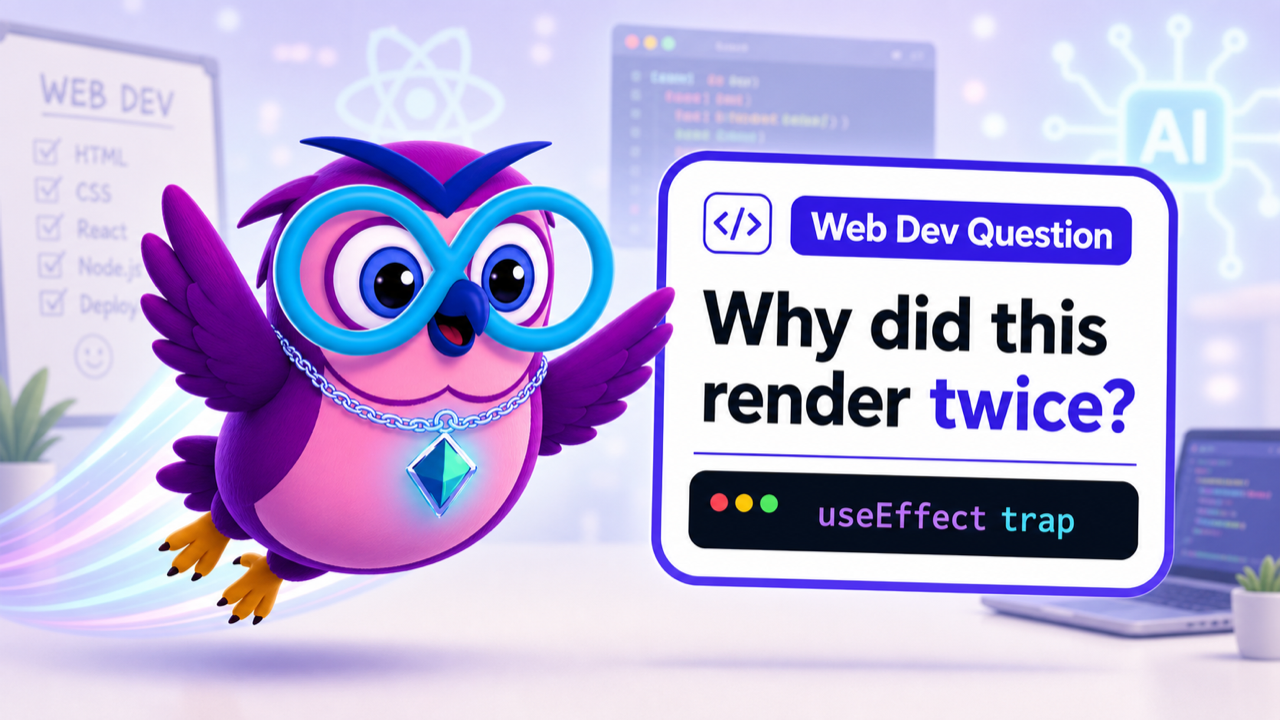
WorkshopsPopular
Web Development with Vibe Coding
Launch web pages faster with AI-assisted building.
Create modern web pages and components using AI-first workflows, clear specs, and guided implementation.
Duration
2 hrs - 10 days
Level
Beginner -> Builder
Audience
Web starters
Format
4 sessions / 14 guided hours
#VibeCoding#WebDevelopment#BeginnerFriendly#Workshop
Training visual
Web Dev Question
Why did this render twice?
What you will learn
Practical outcomes you can explain with confidence
Create modern web pages and components using AI-first workflows, clear specs, and guided implementation. The programme is structured around guided practice, confidence-building feedback, and a clear practical outcome rather than passive watching.
Plan a website structure
Generate and refine UI components
Understand HTML, CSS, and React basics
Publish with a portfolio mindset
How it starts
How the workshop starts
A cohort opens after at least 5 learners have booked.
The actual date is confirmed around 2 weeks after the minimum cohort is reached.
You receive a preparation email with setup notes, location details, and what to bring.
The session starts with a short confidence check, then moves quickly into guided building.
Programme plan
Each week or session has a clear practical target
Week 1
From zero to first app
Understand React and think like a builder.
Topics
- React in simple terms
- Components and JSX
- Props and state
- Vite project setup
- Real-world folder structure
Hands-on
- Build your first UI layout
- Create reusable components
Week 2
Make it alive
Add interactivity, state, forms, and user feedback.
Topics
- useState and useEffect
- Event handling
- Forms and inputs
- Conditional rendering
- Loading and error states
Hands-on
- Build interactive features
- Add form validation
Week 3
Connect to the real world
Use APIs and dynamic data instead of hardcoded content.
Topics
- REST API basics
- Fetch or Axios
- Environment variables
- API service structure
- CRUD thinking
Hands-on
- Connect to a real API
- Display and update dynamic data
Week 4
From project to product
Polish, deploy, document, and present the project.
Topics
- Code cleanup
- Performance basics
- Deployment with Vercel or Netlify
- GitHub project setup
- README generation
Hands-on
- Deploy the app live
- Prepare a portfolio-ready demo
Project and assessment
What proves your progress
Project outcome
A practical web development with vibe coding exercise you can explain and continue after class.
Progress checks
- Instructor observation
- Hands-on exercise completion
- Next-step checklist
Skills you gain
Useful skills, not just watched videos
Plan a website structureGeneraterefine UI componentsUnderstand HTMLCSSReact basicsPublisha portfolio mindsetVibe CodingWeb DevelopmentBeginner FriendlyWorkshop
Requirements
Who this programme fits
No prior coding experience required for beginner-friendly tracks.
Bring curiosity, a laptop, and one idea or goal you want to explore.
We will help you choose the right pace during the first session.
Why zero2hero
Built around the flyer promise
London-based training centre near Underground, bus, and train connections
Real-world tools: Scrum, Agile, Git, Jira, CI/CD, Slack, code review, and release management
AI-first approach from design to production with vibe coding workflows
Free consultation available before choosing a path
Support included
Instructor guidance during live sessions
Practical exercises and confidence checks
Setup notes and follow-up recommendations
Certificate of completion after required participation
After booking
What happens next
- 1Secure your place with a 10% deposit for Web Development with Vibe Coding.
- 2zero2hero admissions confirms your preferred schedule and remaining balance.
- 3You receive onboarding details, preparation notes, and the first-session checklist by email.
Related programmes